
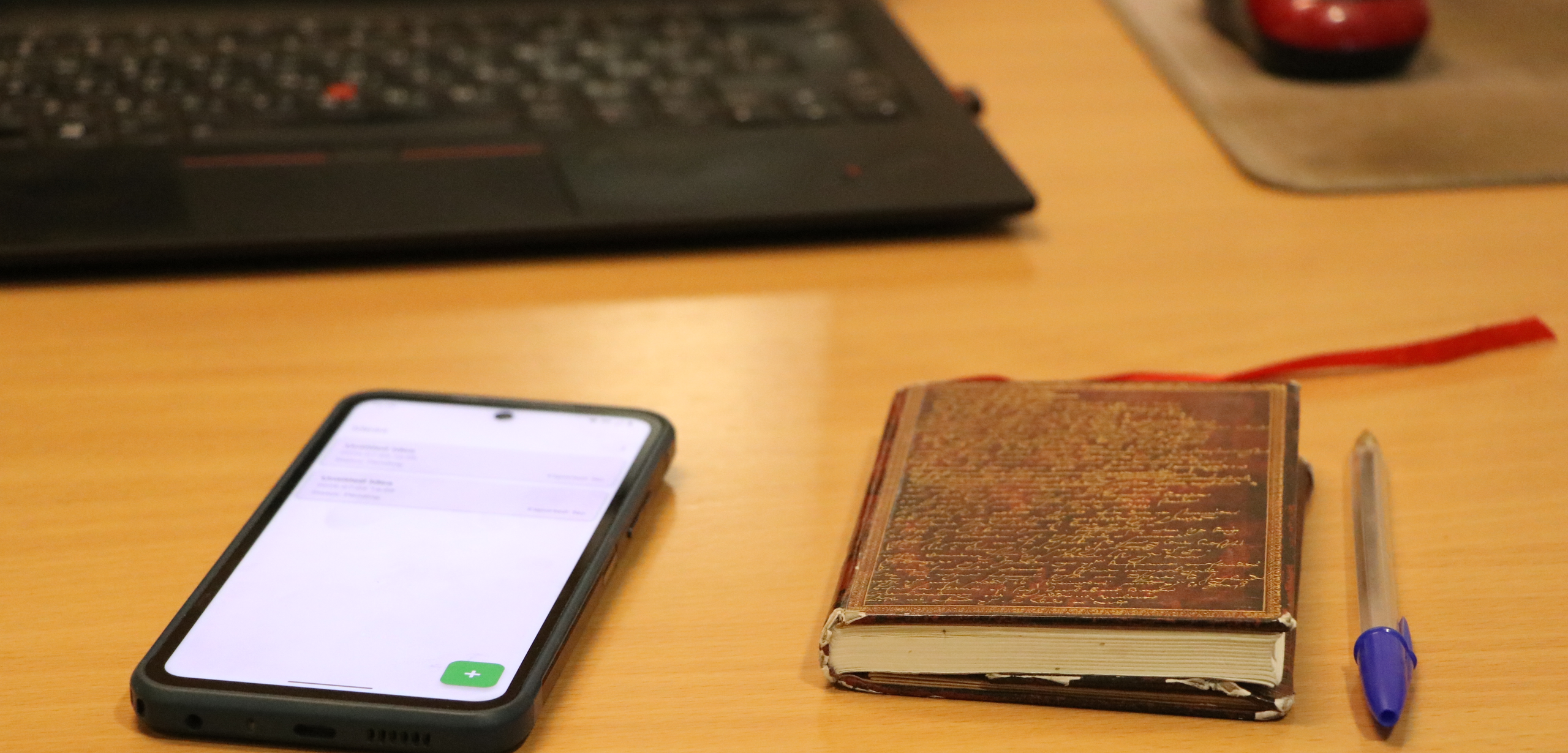


The banner shows my new way and my old way of capturing ideas
These monthly updates may be a bit technical. They’re written primarily for my future self—to remember how I spent the time and to motivate me to do at least something remotely interesting. They’re also for friends and colleagues (past and future), to give an idea of what I’m working on, and of course for potential clients of my C++ freelance business and fellow software developers.
Projects
smtool
smtool is a desktop app for content planning, goals setting, scheduling and fan-out publishing on Social Media.
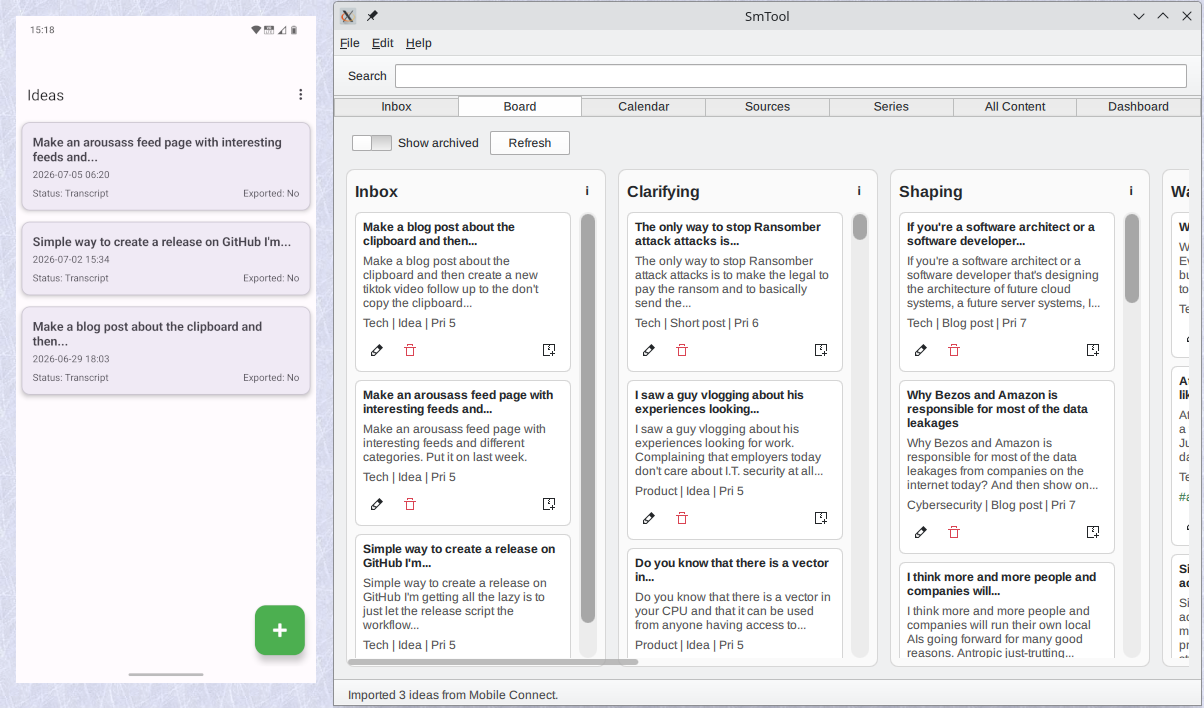
Left, the mobile companion, right the desktop application.
I'm a creative person. When I was around 10 or 12 years old, I started my own newspaper for my class at school. I don't remember if it was biweekly or monthly, but I went with my mother, who was a secretary, and she would type all the articles I had handwritten. I used Letraset dry-transfer lettering to make the headlines. Each letter came on a plastic sheet, and by rubbing it with a pencil or stylus I could transfer it onto the paper, giving my little newspaper surprisingly professional-looking titles. I put in pictures. My father worked in a newspaper, so I got professional rastering of the pictures I had taken with my compact camera. I had a friend in my class who was a hobby photographer, and together we produced the pictures in black and white. Then I assembled the paper, copied it on my mother's workplace photocopier, and distributed it to all my friends, not-so-friends, and the teachers.
I was basically a journalist when I was 10 or 12 years old, running around with a compact camera and a notebook, doing interviews at school. If something interesting happened at the local shopping center, I was there documenting it. I did it because I liked to write and publish content.
A few years later, when I was 14, I started writing for a monthly magazine in Norway. I would send them articles every month, and if they published them they sent me a check in the mail. That was how I financed my private life from the age of 14 until I got my first job at 17. And I got a much wider audience than my little newspaper had.
The first C program I wrote and deployed was a publishing solution, something like Gopher. This was before the public internet. It required a dial-up modem, but it was designed so people could create articles, and other people could dial in and download and read those articles as text files. I made software that mattered for me, because it made it even simpler to publish my articles.
The first commercial application I wrote was a word processor with basically the same features as WordPerfect and Microsoft Word at the time, just much, much faster. It could handle large documents (like books) efficiently on the original IBM PC with almost no memory. Why? Because it gave me the perfect tool to write my stories.
I got my first website online in 1996, and since then I have had a presence on the web. I've published lots and lots of articles, but in recent years I have focused more on code, learning new things, and understanding how things work. Although I have had plenty of ideas about things I wanted to write about, I never had a system for capturing those ideas. Most of them were simply lost.
Until this month.
I created smtool, short for Social Media Tool. It is the perfect workflow for me. I have an Android app with one-click recording, so the moment I have an idea I just pick up my phone, start the app, press one button, and start talking. When I'm done, the app saves the recording. That's all I have to do. One button and talk.
When I want to move the ideas to my desktop, I tell the phone to transcribe all the recordings. The transcription happens locally inside the app using a local LLM, so there is no leakage to Google or anyone else. Everything stays inside the app's private storage. Then I tell the app to connect to the desktop companion, and it transfers all the ideas into the inbox as separate items. From there I move them through the different phases content normally goes through. Almost every day I review the inbox, assign categories and priorities, and little by little the ideas that are worth preserving move into the drafting phase. This blog post started its life there.
When something is finished, it moves to the Ready phase. From there I can schedule it for later if I already have enough content going out, or I can publish it immediately and mark it as done.
The desktop application itself is just a traditional desktop application. It uses a local database. There is no cloud, no HTML, and no leakage of any kind. That means if I decide to write a controversial or dissident blog, even on the dark web, where I don't want my identity associated with it, I can still use the same workflow to capture ideas and move them through the different stages before publishing. As long as my desktop is secure (and my phone not too compromised), there is no leakage.
That's basically smtool. I built it in a week, spending a couple of hours each day over five days. I documented the whole journey with TikTok videos and daily blog posts while I was implementing it. Now it's in maintenance mode. I'll fix bugs and add the occasional feature I miss, but it's not a product I'm actively developing anymore. It simply does what I need.
Shared
Shared is a server-less peer-to-peer application for transferring clipboard text and files between Linux desktops, virtual machines, and Android devices
Another new app I wrote in June was Shared.
I use many different devices, phones, laptops, and lots of virtual machines. I prefer full isolation between all of them, so that, for example, the treasure trove all hackers are looking for, the clipboard, is not synchronized anywhere. At the same time, it is very convenient to be able to install a machine or set up a virtual machine for development and quickly get the API keys, passwords, and files I need. The same goes for copying the software I build, for example Android APK packages so I can test them on my phone, Flatpaks, or ordinary Linux binaries between my various Linux systems.
Shared does all those things in a secure manner. It uses strong cryptography to make sure that only the devices involved in a transaction can see that transaction. When the application is running it creates a mesh network between all the devices that are permitted to participate, allowing me to copy data from one machine behind NAT to another machine behind another NAT through a third-party relay shared between them. Everything peer-to-peer encrypted.
This makes it super convenient to copy something from the clipboard on one desktop to another machine, or to send an APK to Android and install it directly from the application.
The app is designed to work in a no-trust environment. In the new reality we live in now, with AI hacking everything and AI worms just around the corner hacking even more, we have to adjust our software architecture to deal with that. I have lots of machines, and I realize that in the future some of them will be compromised at any time. It could be a phone, it could be a tablet, it could be all the phones and tablets, and some of the computers as well.
On my more secure machines I will probably run only Debian packages and my own software. No JavaScript, no software from Google or Microsoft, no pip, no npm. Basically just core desktop applications and software I trust because I have written it. If I want to look at a web page from somebody who doesn't know how to make a web page, I can always do that in a virtual machine and accept the risk that the VM gets compromised by some exploit. JavaScript is something that will never be secure.
Shared is the first program I have written to deal with the new reality we are entering. It works exactly the way I wanted. I implemented it as a Qt desktop application and a native Kotlin Android application. All communication between the devices uses mTLS, which means the devices must be signed by a trust authority, one of my own machines. Only devices that are whitelisted on a signed list of approved devices are allowed to participate.
The application does not use anything it doesn't need. No gRPC, no HTTP, and no libraries that are not required for the functionality. That is also something I think we have to adjust to in the years ahead. We need to stop putting unnecessary complexity into applications, because complexity is the enemy of security. We have to make things as secure as we can to try to defend against AI hacking.
Others
I also fixed some issues in some of my other projects, but nothing worth mentioning here.
Freelancing
If you know someone who’s looking for an experienced and quite passionate C++ freelancer, please get in touch.