
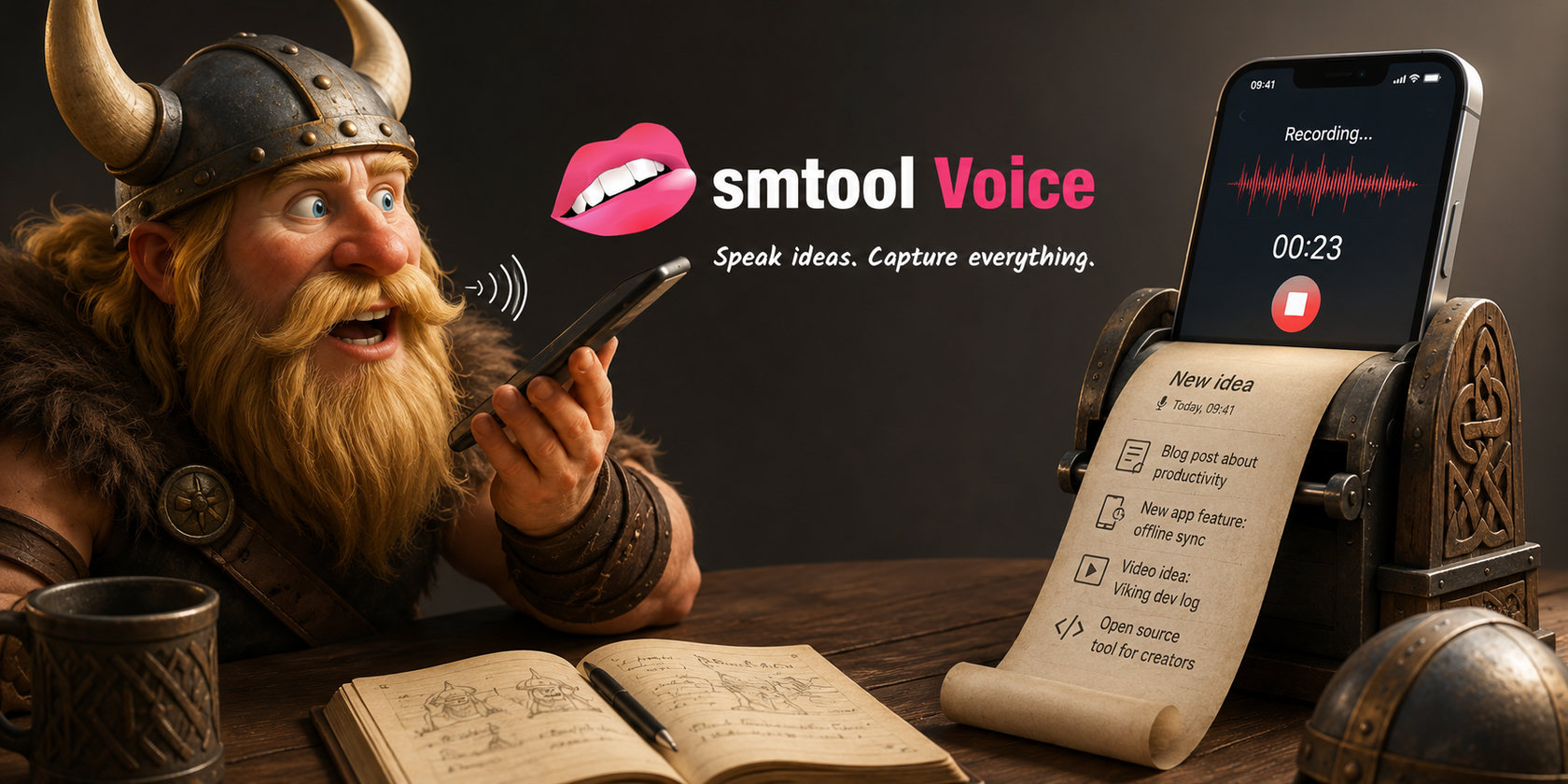


I have always been a creative person. My mind constantly bombards me with ideas. Some are good, most are not, and some are just plain stupid. Over many years I developed the habit of always carrying a notebook. Whenever a good idea appeared, I could write it down before it disappeared again.
Unfortunately, I also need reading glasses. So the process goes something like this: Find the glasses. Find the notebook. Find the pen. Remove the cap from the pen. Try to remember the idea. About two times out of three I manage to get all the way through that process before the idea evaporates.
This year I tried something different.
I installed an open-source Android app called Notely Voice. It lets me record short audio notes and transcribe them locally on the phone using an LLM. No cloud, no privacy concerns, everything stays on the device. It is a beautiful app and it works well. The problem is that it still contains friction.
To record an idea I have to:
- Open the app.
- Press a button to create a recording.
- Confirm that I actually want to create a recording.
- Press another button to start recording.
Then I get a lovely recording screen showing elapsed time and controls. When I'm done, I typically don't transcribe immediately because running the model costs battery power. I usually wait until I'm back in the office and close to a charger. Later I have to navigate back, find the note again, and start the transcription. None of these steps are difficult. But they all take time, and they all involve small buttons that I occasionally miss.
My success rate from "good idea" to "recorded note" ended up being roughly two out of three. That's about the same success rate I had with a notebook, although recording audio is obviously much more convenient than finding somewhere to sit down and write.
The Real Problem
While working on my social-media planning project, SMTool, I decided to build a small Android companion app dedicated to capturing ideas, smtool Talk. The design goal was simple:
When inspiration strikes, the app should be frictionless.
So the workflow became:
- Open the app.
- Press the floating "+" button.
That's it.
The moment I press the button, recording starts. The recording screen contains only four things:
- Cancel
- Pause
- Done
- An optional title field (which I never use)
The buttons are big and colorful. I cannot read small text without my glasses, but I can easily recognize colors. That means I can use the app safely and confidently without wearing my glasses at all. That was one of the primary design goals.
If an idea turns out to be stupid halfway through the recording, I press Cancel (red). If it is worth keeping, I press Done (blue).
The note is saved immediately and I am back at the main screen, ready to capture the next idea.
No confirmations. No dialogs. No unnecessary distractions.
When I'm ready to transcribe the new idea(s), I just select "Transcribe" from the menu and it transcribes everything that is pending. It also deletes the audio recordings once they are transcribed to avoid filling the "disk" on the phone with dead data.
Teaching the Model New Words
One feature I added that I don't believe Notely Voice has is a custom vocabulary list. Many speech-to-text systems struggle with project names, product names, and technical terms. I talk about my own projects a lot. Names like NextApp or other open-source projects are not exactly common dictionary words. So in the settings I can define special words and specify exactly how they should be capitalized.
Once configured, the transcription engine consistently produces the correct spelling and capitalization.
That might sound like a small thing, but it saves a surprising amount of cleanup work later. Instead of running search-and-replace operations over every transcript, the text is correct the first time.
Ideas Have a Very Short Half-Life
I have realized over the years is that ideas are not stored anywhere special in our brains. When inspiration strikes, the idea exists only in short-term memory. If we don't capture it while it is there, it is gone.
A barking dog. A phone call. Someone asking a question. A notification. Glasses that don't open correctly. Anything that interrupts your attention for a few seconds can erase it completely. The challenge is not generating ideas. The brain does that constantly. The challenge is capturing them before they disappear. That is why reducing friction matters so much.
If I can improve my success rate from two-thirds to five-sixths or six-sevenths, that is a huge improvement over time. The app cannot stop the outside world from interrupting me, but it can make sure the app itself never becomes the reason an idea is lost.
What Next?
I do not want to make promises because making promises is often the fastest way to ensure I break them.
But I will probably polish the app a bit more, add a few features that other people might find useful, and eventually release it on Google Play.
The app works perfectly fine on its own. You do not need the rest of the SMTool ecosystem.
Currently it can export notes in two formats:
- JSON
- Markdown
The JSON export makes it easy for developers to build their own tooling around it.
The Markdown export creates a single document with one section per idea, which is generally useful.
The app is privacy-centric. Transcripts are generated using a local LLM. No cloud connection. Exports are not dumped into public folders where any application can monitor them. Instead, files are shared directly with whichever application you choose. For me that is usually KDE Connect, which sends the file directly to one of my PCs.
I do plan to add direct synchronization with the desktop application at some point, but that requires designing a protocol and implementing both sides of it securely. I guess that feature is mostly for me.
Another Small Victory
It has been a productive couple of days. I only spent about an hour on the project today, but yesterday I ended up spending almost all of my content-creation time working on the Android app instead. I could see the finish line. The main functionality was nearly complete and I wanted to start testing it in real life immediately. So I postponed content creation and finished the feature. I think that was the right decision.
The app is now at the point where I can use it every day and see whether the theory actually works. Time will tell, but for now I am happy. I built a tool that solves a real problem I have. A tool I hungered for. A tool that removes friction from my creative process, and helps me save ideas while they still exist.
And honestly, creating another app is never a bad way to spend a Sunday.
A small video introducing the app.