SMTool: Day 5 — Done
Today was the fifth and final day of the initial SMTool implementation.
The last major feature left was Series. I had been putting it off, not because it was difficult to build, but because I hadn't fully defined how it should work. Before asking Codex to write any code on that, I spent time going through the specs and figuring out exactly what a Series is, how it behaves, and how it interacts with different screens and UI components. Once that was clear, I finished the implementation.
After that, I started using the app for real.
As expected, actually using it exposed a lot of small issues: bugs, rough edges, awkward workflows, and things that didn't behave quite the way I wanted. I fixed many of them immediately and wrote up a longer list of low-priority tweaks and bugs in NextApp to deal with later.
I started by defining my initial goals and then I spent a few hours going through some of my notebooks, transferring ideas into SMTool. Most of them are still unstructured and waiting for further work, but the capture workflow turned out to be exactly what I was hoping for. I would read an item from a notebook, dictate it into QVocalWriter, wait a few seconds for the transcription, press Copy, and then use SMTool's "Add from Clipboard" action. The item would immediately appear in the inbox.
Later this month I'll spend another day making the app more usable for other people and for my future self. Right now, many of the concepts the app uses, such as channels and pillars, are defined in the database. That makes them easy to extend or change, but there is currently no user interface for managing them. I need to add configuration screens and finish off the remaining bugs and tweaks.
Fortunately, most of what remains is already identified and should be quick to implement.
Five days ago I set out to build myself an app to manage my media production workflow. That goal is achieved.
SMTool exists, it works, and today I used it to process a large backlog of ideas that had been sitting in notebooks waiting for a home.
I'm happy.
Screenshots
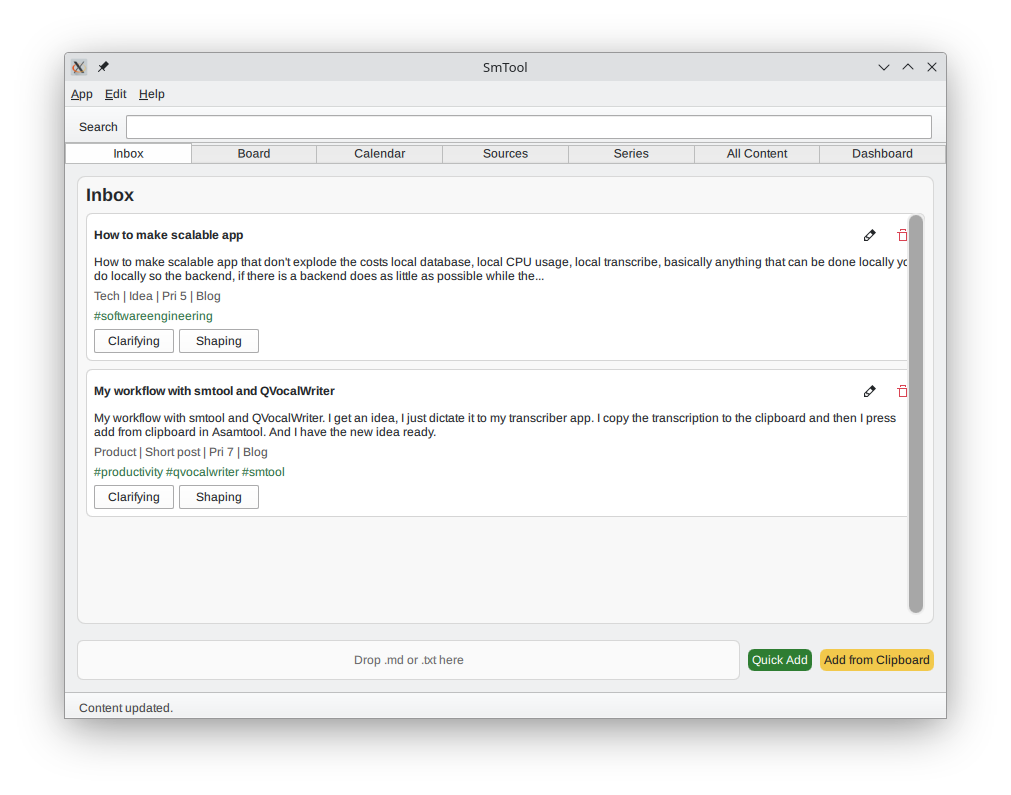
The inbox. Note the two buttons at the bottom. That's how ideas goes into the app.
It can batch import ideas from .md files, taking one ide from each section in the file. Example file generated by ChatGPT.
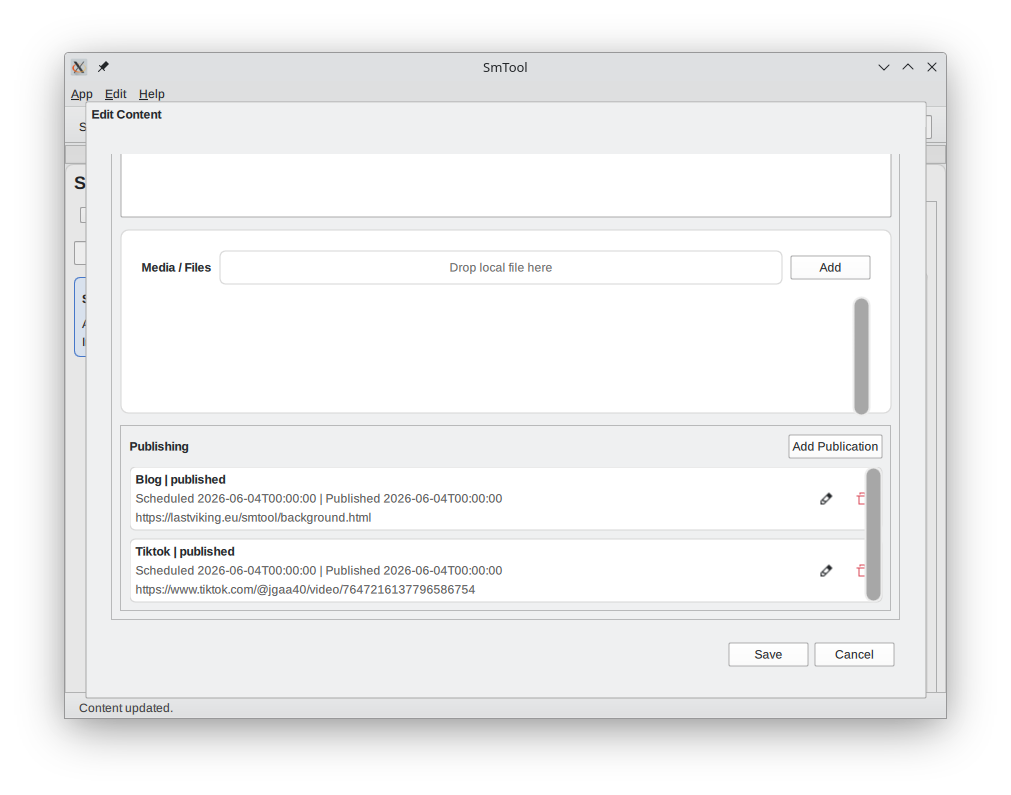
The content dialog. Fanning out content to multiple channels.
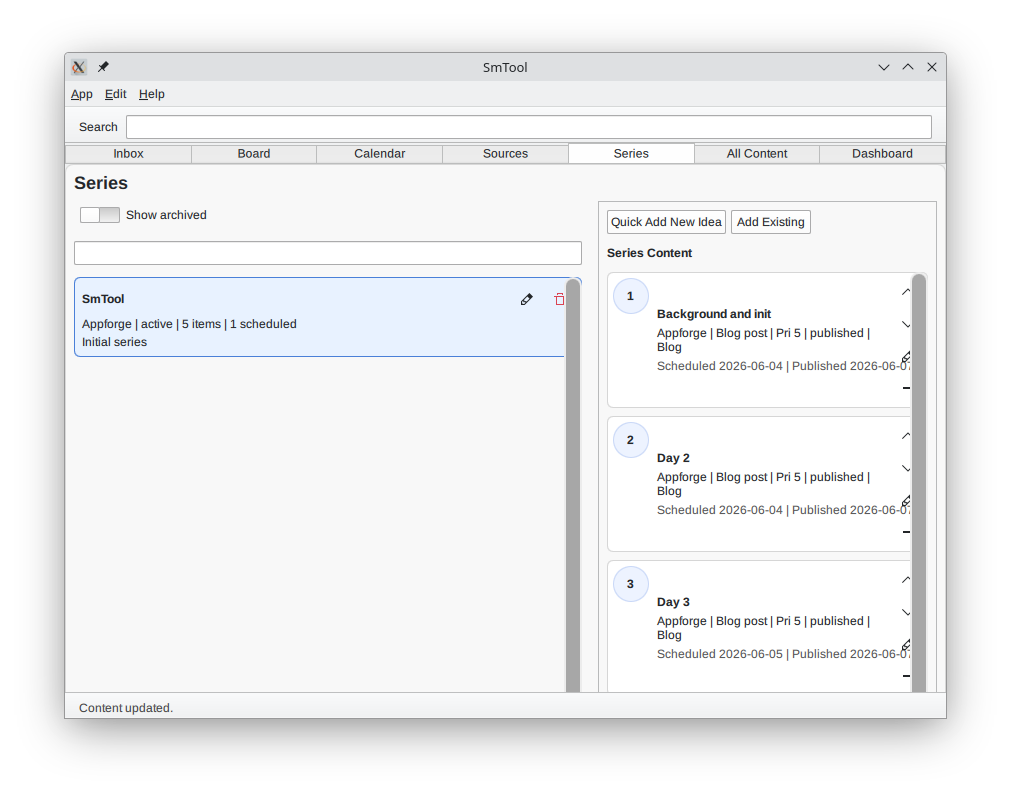
Series feature. This makes it simple to organize and publish multiple articles or videos on the same idea.
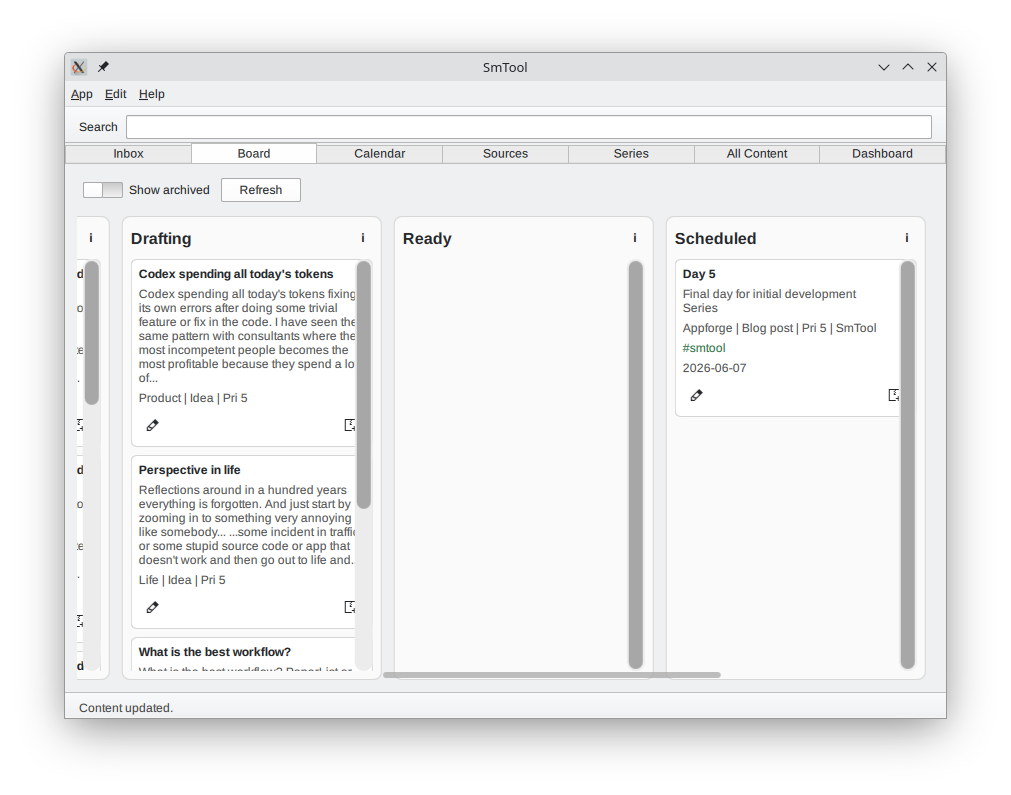
The KanBan board where everything is tracked and organized.
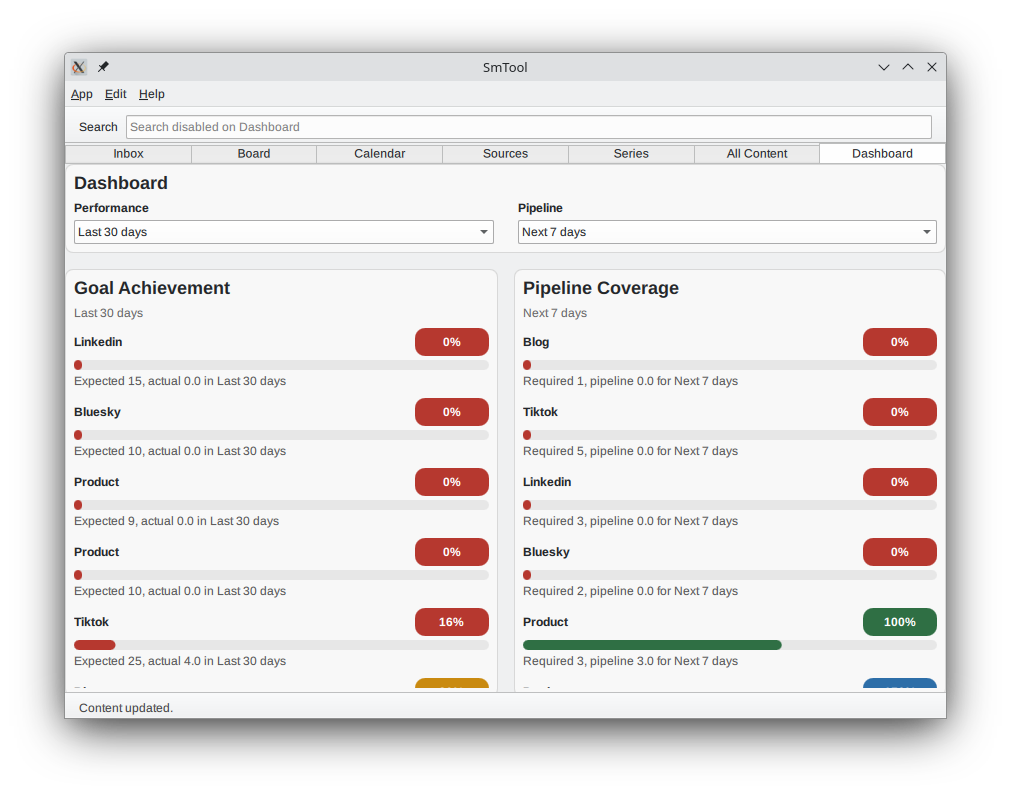
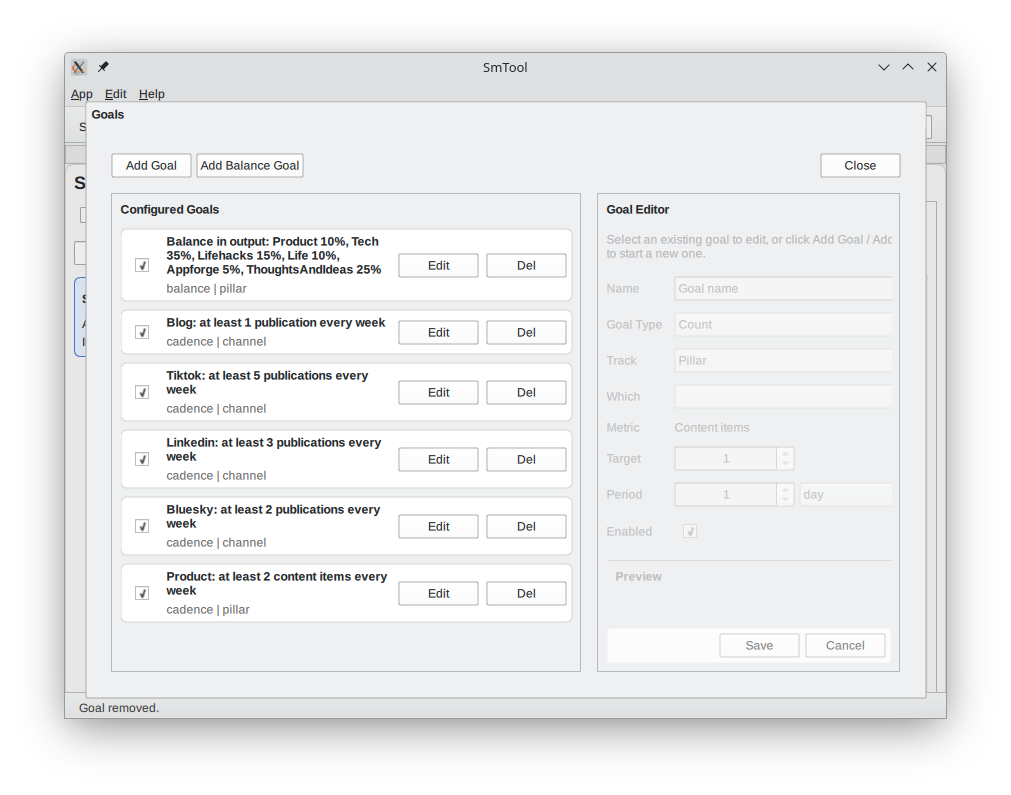
Goals are clearly defined
The dashboard measures results and tells where to put the focus
It's mostly read now since I have real goals, but just started to use the app.